Add to Chrome
 Add to Firefox
Instant search
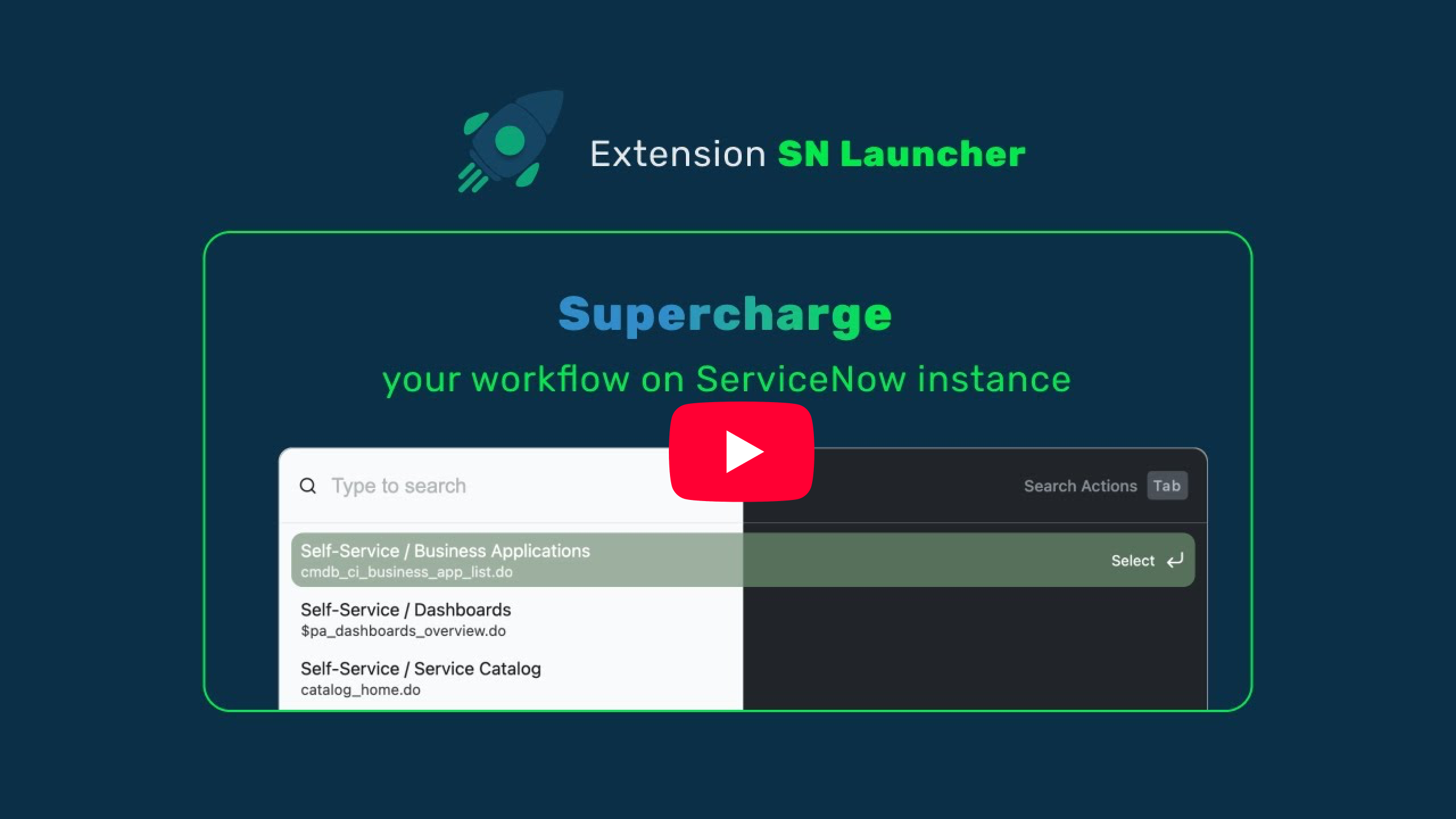
Fuzzy-search across all application menus in your instance.
Also available for Edge & all Chromium browsers.
A command palette for your ServiceNow instance.
cmdb_ci_business_app_list.do
$pa_dashboards_overview.do
catalog_home.do
kb_knowledge_list.do
esc
Fuzzy-search across all application menus in your instance.
Find any record, no digging through lists.
Open menu, find record, search documents and more.
Arrow keys to navigate, Enter to open, Escape to dismiss. Hands stay on the keyboard.
Add SN Launcher from the Chrome Web Store or Firefox add-ons store. Works on Edge and all Chromium browsers too.
Navigate to any ServiceNow instance and hit Ctrl + Shift + L or your customized shortcut to open the command palette.
Search across all your menus instantly. Select a result and you're there. That's it.